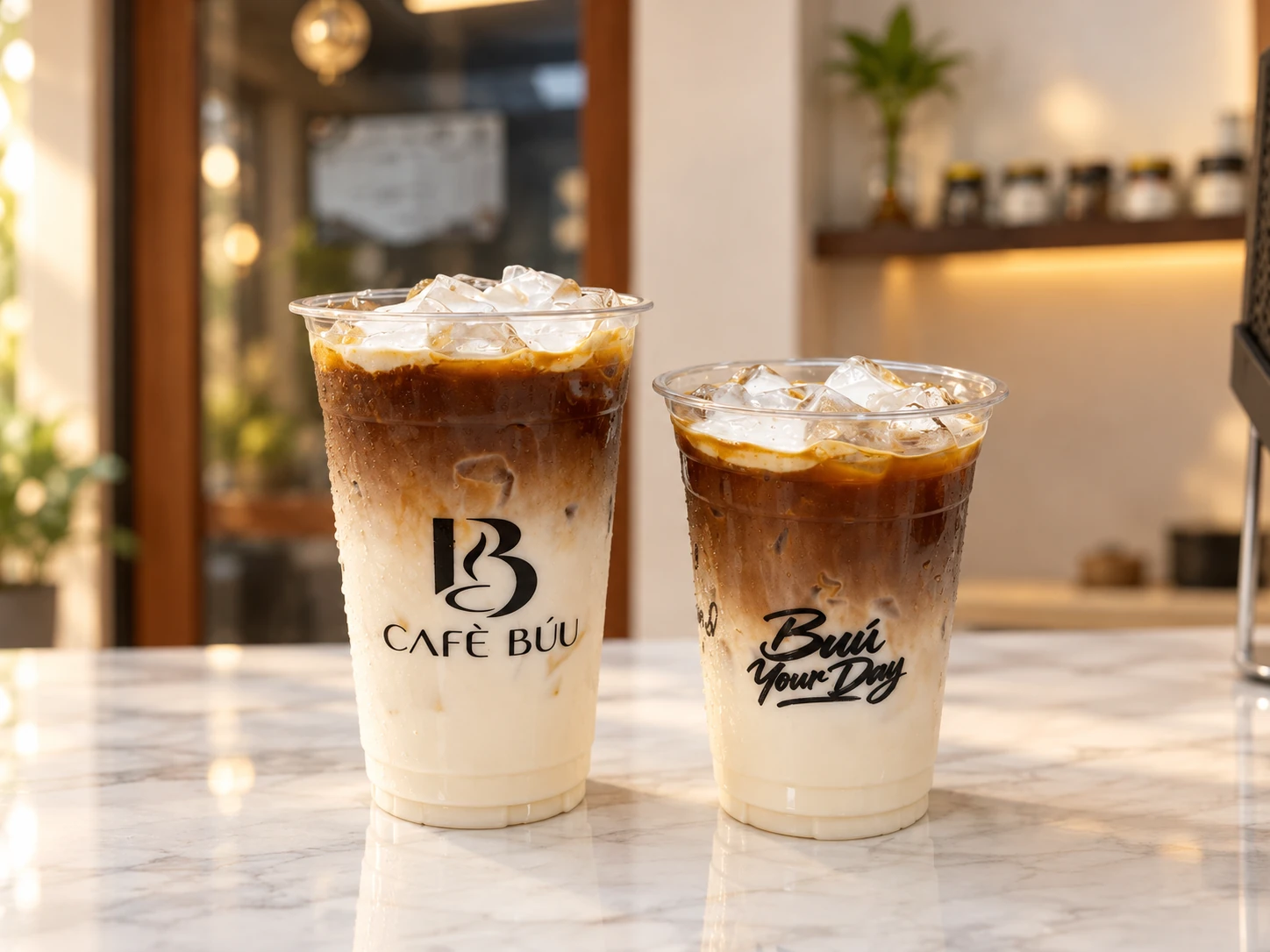
Make it their drink.
Search the menu, select sizes and add-ons, adjust quantities, and add notes. Record takeaway or dine-in orders, with pastries alongside the drinks.
 SimplerBooks.It can ALWAYS be done...
Meet Café Búu POS. A simple, branded counter for espresso, extras, and Mom’s pastries—with the records an owner needs to follow the day.
Find a drink, choose its size and extras, review the order, and record the confirmed payment. The current order stays in view while staff works.
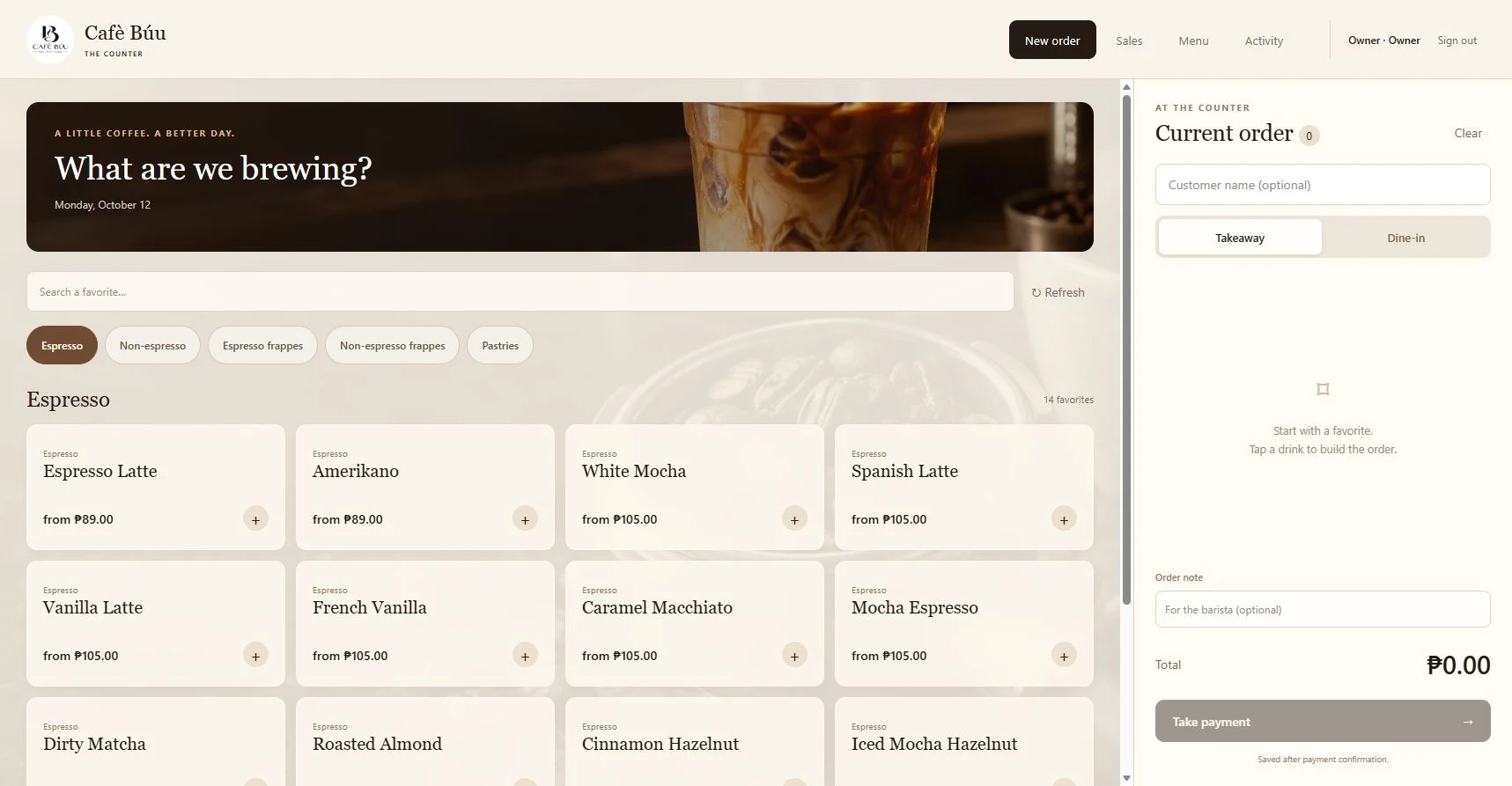
Practical tools for the cashier, with menu and sales controls for the owner.
Search the menu, select sizes and add-ons, adjust quantities, and add notes. Record takeaway or dine-in orders, with pastries alongside the drinks.
Record cash received and calculate change, or record a verified GCash payment and reference. Open a saved receipt when needed.
Review dated sales and export CSV reports. Manage menu prices, pastries, and availability. Owner and cashier accounts have different access.
GCash payments are verified separately, then recorded in the POS. Voiding a sale updates the sales record; refunds are handled separately.
Real POS screens, simple narration, and a large pointer show each step. Learn the daily sales routine and the owner’s controls in one six-minute guide.
Watch directly on YouTubeSign in, find a drink, choose extras, review the order, record cash or GCash, and check the receipt.
Review and export sales, void a saved sale, edit prices, add pastries, manage availability, and understand staff access.
Handle an interrupted payment save, review the day’s totals, and recap the everyday order sequence.
Filmed with a separate training database and illustrative orders.
Tell SimplerBooks how your team takes orders and what you need to see at closing time. We can discuss a café POS, a matching website, and practical staff training around your operation.
Discuss your café POS