
Problem
What was slowing the organization down, creating risk, or hiding the numbers?
Interactive case framing
This page shows how each portfolio candidate can be presented without turning the work into a plain gallery or exposing private client data.
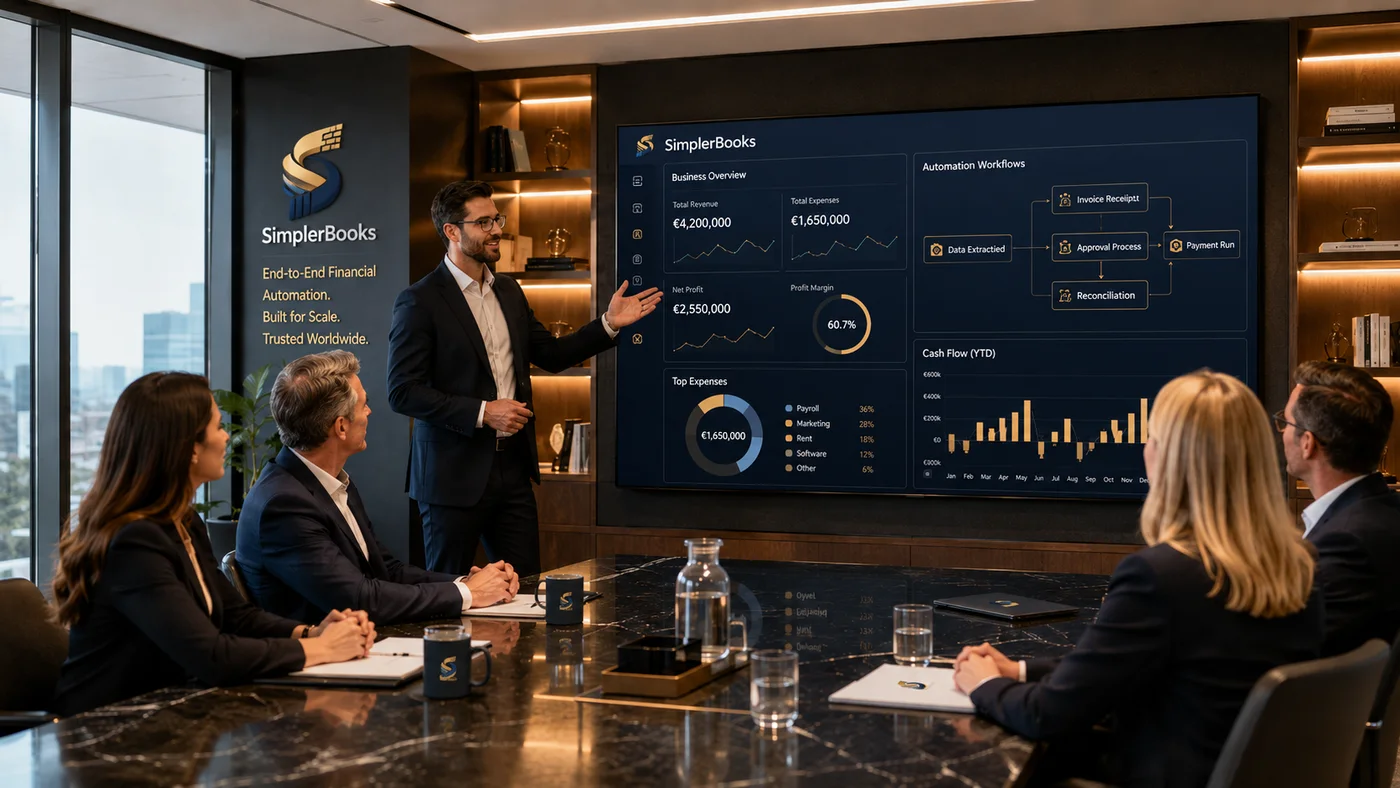
Demo-safe public candidate
A business operations platform concept covering accounting workflows, setup, vouchers, reports, users, branding, purchases, sales, expenses, and visibility tools.
Growing teams need more than a brochure site. They need a back-office system that makes accounting and operating work visible.
A demo-safe platform story focused on setup, vouchers, reports, user roles, purchasing, sales, expenses, and financial visibility.
Case study structure
Prospects do not need to see every database table. They need to see what problem existed, how the work was simplified, what system was created, and how private details were protected.
What was slowing the organization down, creating risk, or hiding the numbers?
What screens, roles, records, dashboards, and workflows were built to solve it?
What became clearer, faster, safer, or easier to manage after the system?
What names, visuals, logos, screenshots, and claims need owner or client review?
Ready for owner review
Start with the work that slows the team down: accounting, inventory, reports, customer ledgers, portals, approvals, or a public website that needs to connect to the real business.